



Game: Preserve
Genre: Puzzle, Simulation, Strategy
System: Nintendo Switch (Also on Steam (Windows), Xbox One/X/S & PS4/5)
Developer | Publisher: Bitmap Galaxy | Grindstone
Age Rating: US Everyone | EU 3+
Price: US $14.99 | UK £13.49 | EU € 14,99
Release Date: May 15th, 2025
A review code was used, and many thanks to Grindstone.
Preserve is a hexagon-tiled, puzzle game, but you have more freedom in design than other similar games. Yvonne gave us her thoughts on both the Steam demo and the Early Access version and now, as Preserve leaves Early Access, it arrives on our consoles as well.
Will I be roaring with success or left in a sticky mess with this honeycombed, nature-building puzzler?
Preserve the Tutorial!
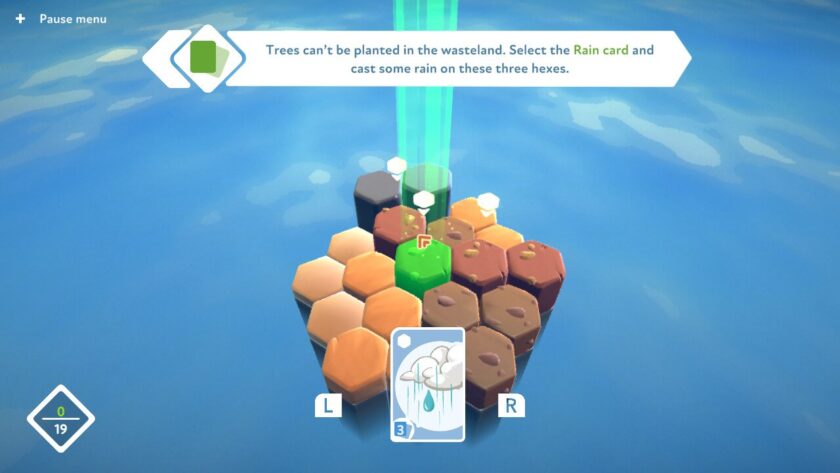
As you start Preserve for the first time, you are given the option to complete the tutorial. It is only short, and well worth doing as it explains both the controls and the idea of the game. In Preserve, you are given an area of hexagonal tiles; you then add improvements (trees, rocks, grass, etc.) to create a habitat. Most of the improvements need to be added to watered tiles, which can be done via rain, rivers or lakes. Improvements also need to be made to the correct elevation; for example, trees will not grow on top of a mountain.
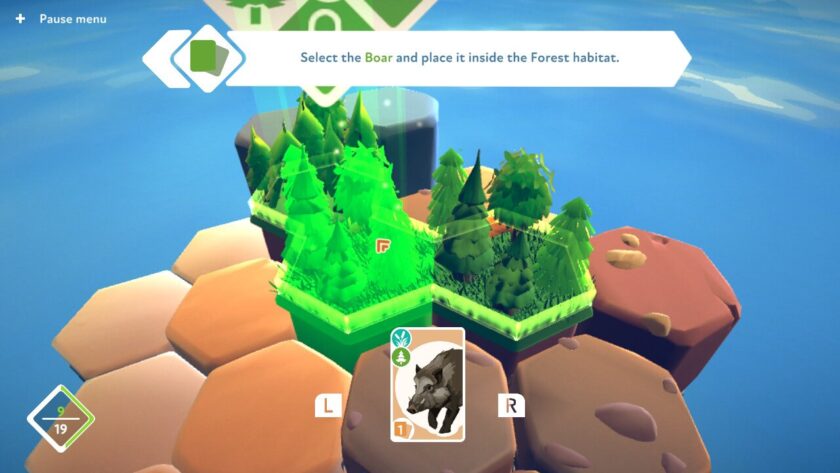
Once a habitat has been created, animals can be added. Each animal has its preferred habitats; boars are happy in a forest or marshland. Every time you add to the area, you gain harmony points, and when you reach the harmony milestone, you will gain more cards and a map extension.
Different Modes in Preserve
There are three different modes in Preserve: Classic, where you aim for the highest harmony score and complete objectives; Puzzle, which challenges you to achieve a fixed harmony milestone, with limited cards; and Creative, a sandbox mode allowing you to design and build your own incredible landscapes.
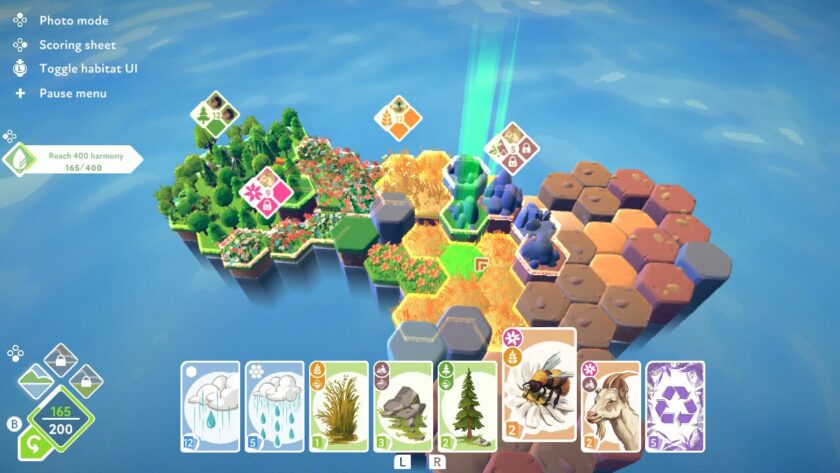
There are four different biomes: Continental; Savanna; Marine; and Jurassic (the new addition for the full release of Preserve), each with its own habitats and creatures. However, before you can experience the delights of the African landscape, the depths of the ocean or walk with the dinosaurs, you need to achieve 400 harmony points in the Classic mode of the Continental biome.
It’s not as easy as it sounds. I mistakenly thought that creating vast habitats would allow for more animals to roam and ultimately gain more harmony. But no, each habitat can only support 3 creatures, so there is little point in creating areas bigger than 12 to begin with. Add 3 of the same animal, and you gain a harmony bonus, and a bigger bonus if they are all different.
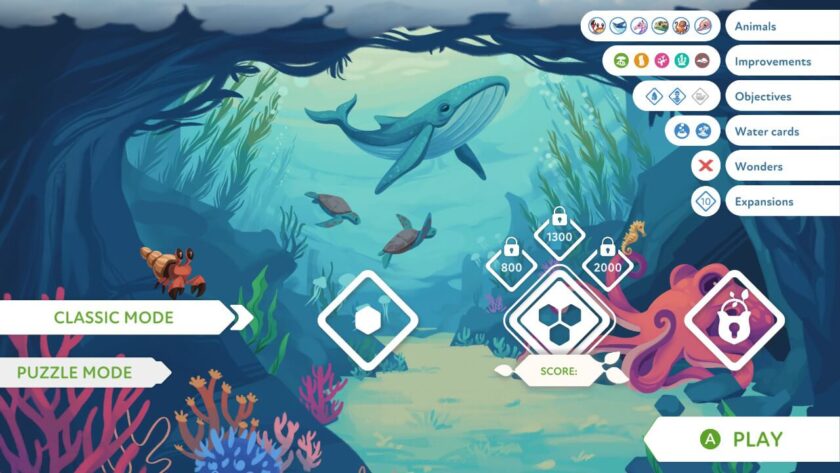
As you progress through the Classic modes, the harmony milestones increase, and there are new objectives to achieve, more cards to use, and a bigger landscape to build. However, not all cards will be available to start with. So it’s a balancing act of creating enough to unlock more cards and expansions, but not too much that you block your progress. You can undo your last action, and you receive a handful of ‘remove’ cards, but these don’t work on all improvements, so place those cards carefully!
There is no timer in any of the Preserve game modes, so you can chill out, relax and collect harmony. The Classic mode landscapes could take a couple of hours to complete, especially if you are looking to achieve those high scores.
Creating and Recording Your Landscapes
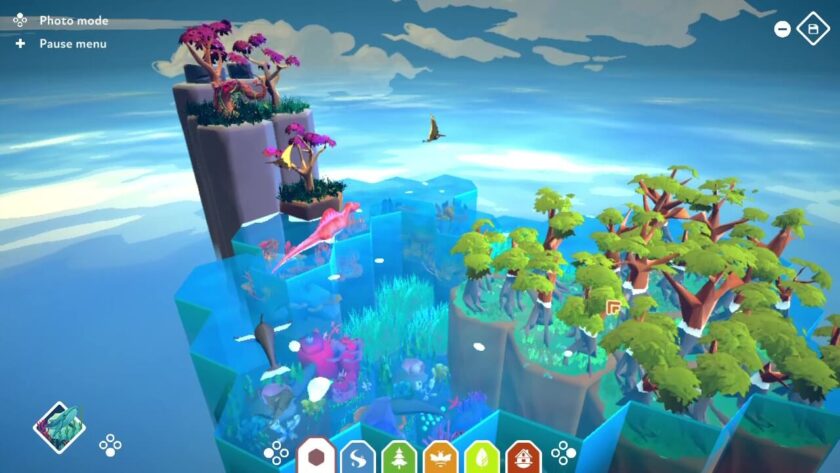
The Creative mode gives free access to all the cards and biomes, allowing you to create some amazing landscapes. Animals can only be placed in the appropriate habitat, so unfortunately, you can’t get any dinosaurs roaming the Savanna, but you aren’t restricted by the number of creatures you can add.
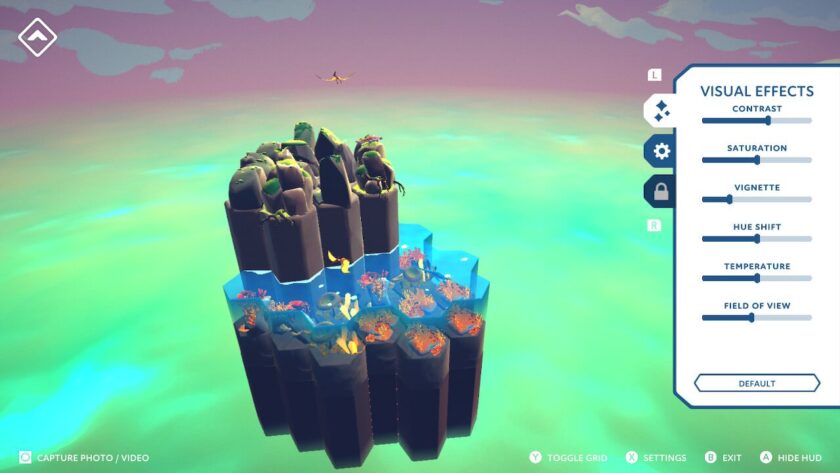
Have you created something you are proud of? Then use the photo option to enhance the visual effects and environment settings, and get a fantastic photo or video without any of the HUD details. The photo/video capture works in all modes.
Preserve’s Particularly Perplexing Puzzle Mode
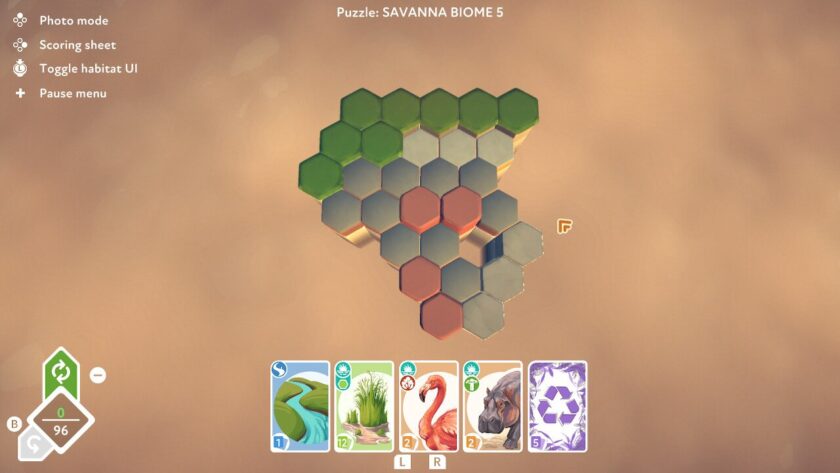
The Puzzle mode in Preserve is challenging. You are given an area to build on, with a set number of cards; the challenge is to reach the harmony milestone! You need to complete a level before moving to the next, although you can play the Puzzle levels concurrently in the four biomes.
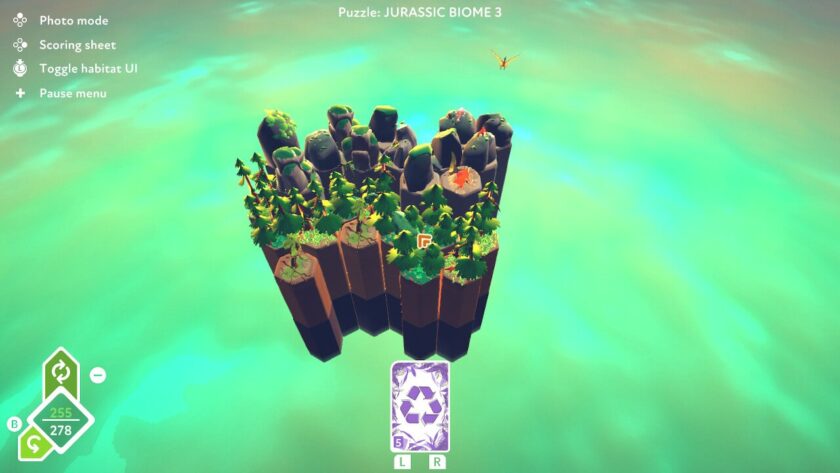
I thoroughly enjoyed this mode in Preserve. Sometimes I would fall short of the target harmony points, especially if there are terrain modification cards, like a volcanic fissure, to use. Identifying how to maximise the points from these cards would be the difference between failure or success. I found the knowledge gained in the Puzzle mode helped me attain higher scores in the Classic mode. However, I think it would be great if you could ‘skip’ levels, because sometimes it gets too frustrating!
Preserve Gameplay
Preserve explains the controls and gameplay really well. When you enter a new biome or level, you’re given information about the key points. Most of the controls are given on screen, and movement and speed can be altered or inverted via the pause menu.
Preserve performs well in either docked or handheld mode, and I didn’t encounter any issues. Most of the controls have touchscreen functionality. However, I did find the text, especially the objectives and habitat information, a little too small to read on the Nintendo Switch Lite screen.
You can save your progress and then continue at a later point. In addition, Creative mode has its own save slots, and you need to exit levels via the ‘flag’ to ensure completion is registered.
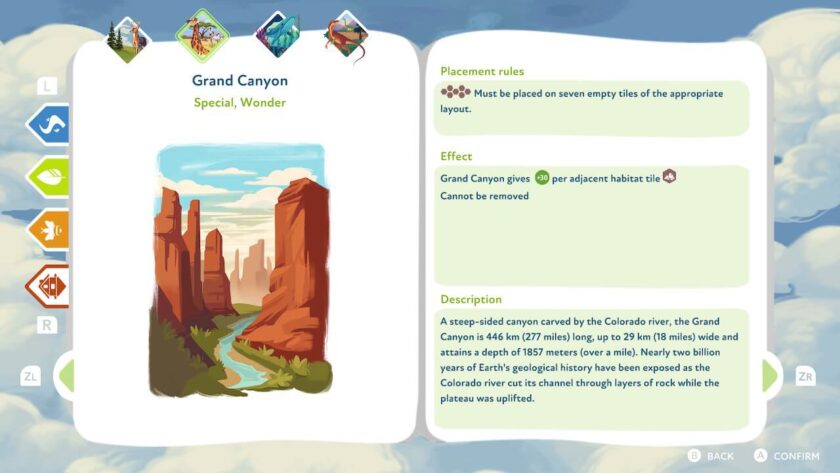
The graphics are beautiful—not only in the game, where individual trees turn into a forest habitat or the miniature creatures drink from the lakes, but also in the compendium, which explains the placement and effects and describes all the cards. Preserve has a lot of detail, which makes it more than just a landscape-building game.
Conclusion
Preserve has it all: chill out in Creative mode; test your designer skills in Classic mode; or be bamboozled in Puzzle mode. Wallow in the lovely graphics as you create beautiful landscapes and populate them with delightful creatures.
Whilst Preserve works well in both docked and handheld modes, some of the text and icons are a little small for the Nintendo Switch Lite screen.
Final Verdict: I Like it a Lot 
Do you like our content?
Support LadiesGamers as a member on Patreon!
 Or buy us a cup of coffee or tea on Ko-Fi!
