

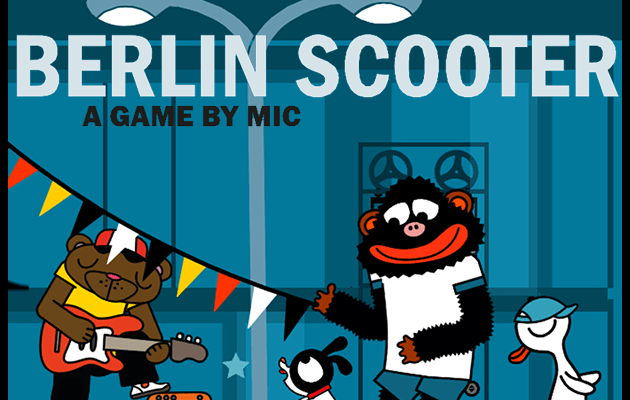
Game: Berlin Scooter
System: Mobile
Publisher/ Developer: Lololand/ Michael Beyer
Price: £2.99 | €3,49 | $ 3.49
Age Rating: EU 4+| USA E
Release Date: 3rd April 2019
Also Available On: PC
Mic Lololand, comic artist and developer, has developed this 2D side scrolling game for mobile devices and PC.
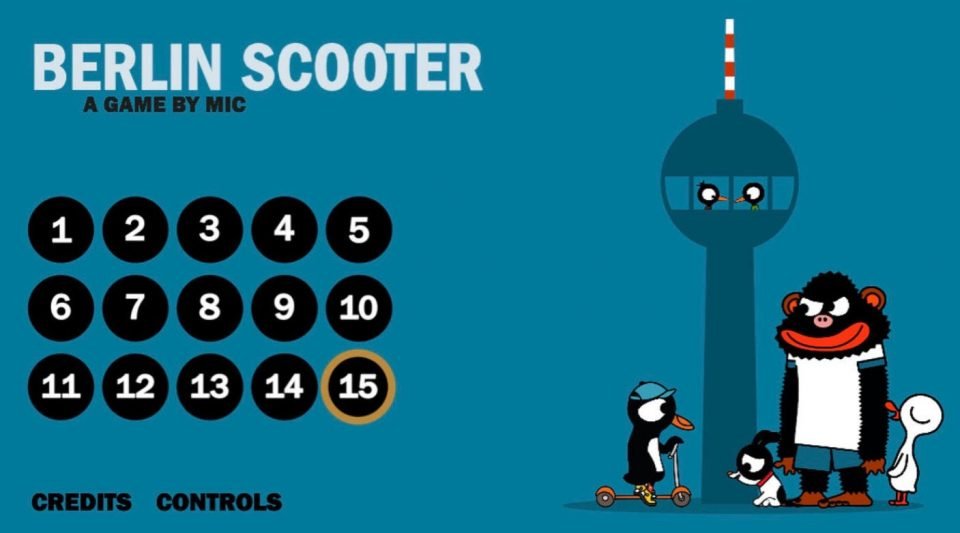
Featuring Ping the Penguin
Ping and his little dog Mika are visiting the city of Berlin for the first time. Suddenly Kong the crazy ape who escaped from a nearby filmset has kidnapped Pings’ dog Mika. Kong also tries to rob the Nofretete, one of the most famous exhibits at the city museum. Ping the Penguin jumps on his superfast scooter and a wild chase throughout the city begins.
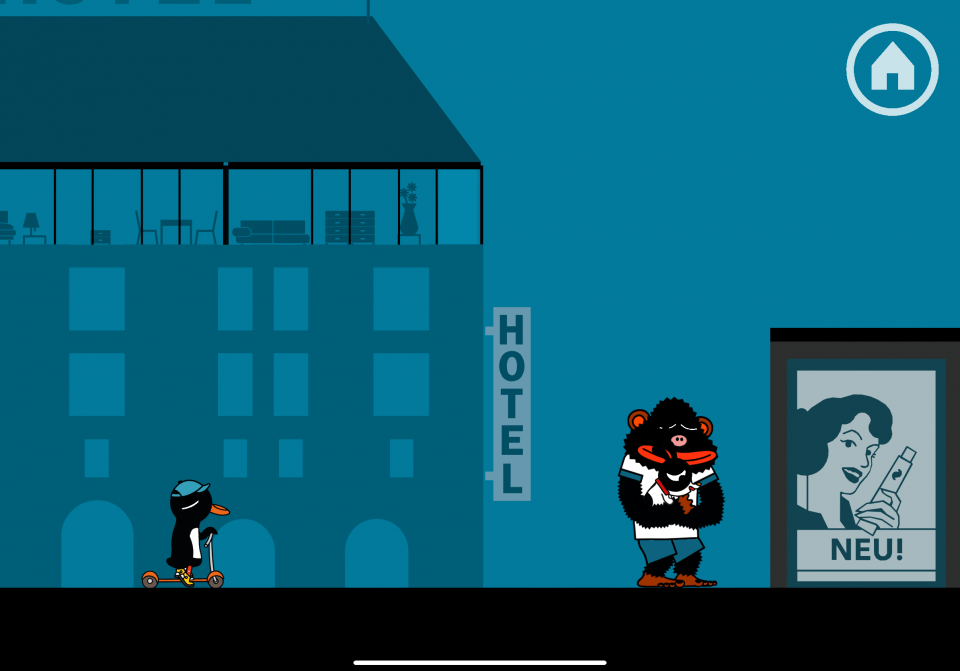
From scooters to a street cleaning machine
The controls for Berlin Scooter are explained to you at the start of the gameplay. You control Ping the penguin by using a finger (or thumb, which ever is comfortable to use) and sliding across the screen. Make Ping move on his little scooter or any other mode of transport Ping discovers. A tap makes Ping jump over obstacles too. Nothing can stand in his way on his journey to rescue his dog.
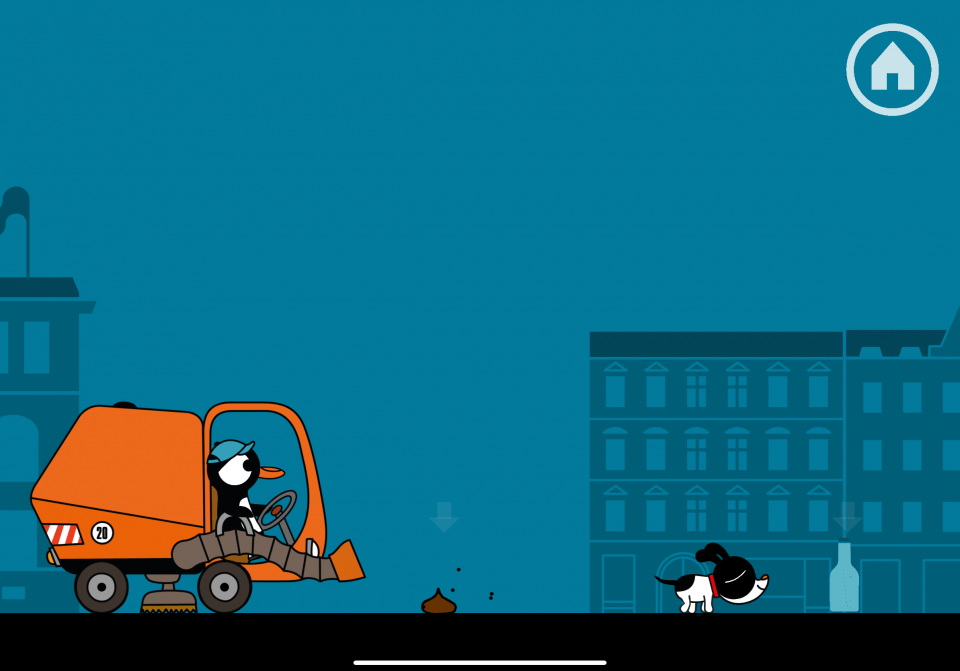
As you progress though Berlin Scooter, Ping will use various modes of transport. These range from Pings scooters (obviously) to a street cleaning machine, the Berlin Metro and floating up into the sky with a balloon.
It’s fun that the different modes of transport have their own uses. For instance, when you take control of the street cleaning machine you follow along behind Mika cleaning up the mess the dog leaves behind. After all, these little piles would be enough to stop Ping in his tracks when he is on his scooter.
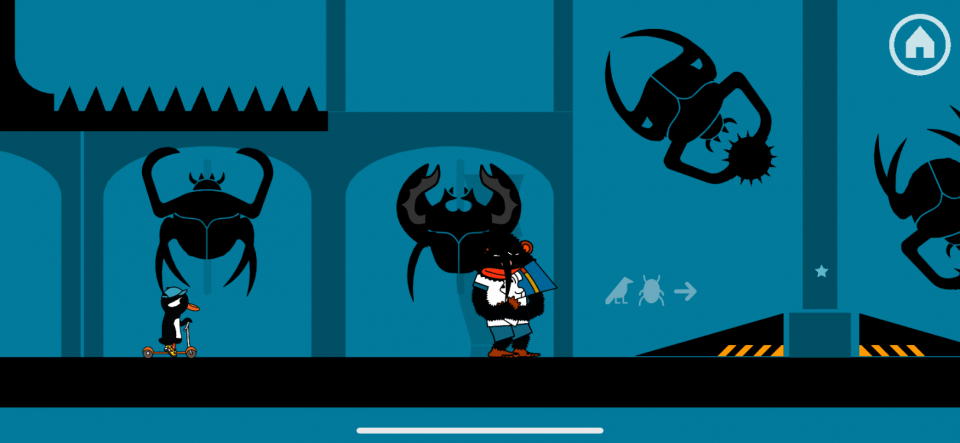
You jump over obstacles that fall into your path and spiked boxes that Kong throws at Ping, while you chase Kong or follow Mika the dog around the Berlin sites.
Touch controls can be tricky
Controls through only a finger or thumb can sometimes be tricky. I found this when I took my finger of the screen and Ping still moved slightly. So if I stopped before an obstacle Ping would roll on a bit and hit the broken vase or whatever the object happen to be. If Ping runs into an obstacle he falls off his scooter and if that happens too often you are taken back to what I presume is the last save point. Other than that, it controls quite adequately for a finger touch app game.
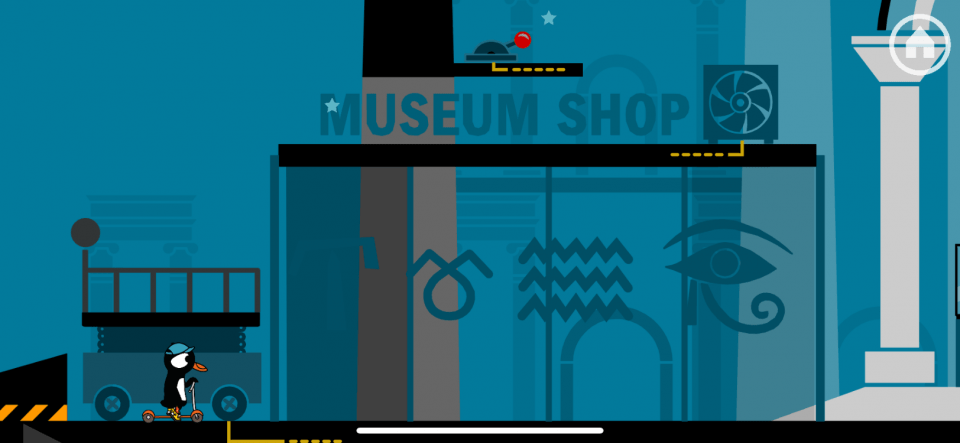
Graphics are clear and minimal. They’ve used a range of colours thoughout the game, mostly blue and black with a couple of other colours thrown in. It does look well on my iPad and other than my problem with stopping Ping the game performed well with no glitches.
There are fifteen levels in all with their own story as you travel the tourist sites of Berlin. You even get to help construct an Airport and ride on top of the Berlin Wall.
Conclusion
I enjoyed playing Berlin Scooter, apart from the times it got frustrating as Ping ran into obstacles. Maybe the controls need a further look at by the developer or maybe my finger wasn’t working the best. 😂
Either way if you’re looking for a 2D side scrolling game to pass the time Berlin Scooter is one you could try. It’s suitable too when you are looking for something to give your children a game to play. All of this means: I like it.

If you would like to see more, here’s the YouTube trailer: