

Welcome to this edition of Paula’s Game Ramblings. If you like these random thoughts, you can find the previous Game Ramblings here.
Cities: Skylines 2 had somewhat of a tough start when it was released in October 2023. There were performance issues and bugs, which delayed planned updates to the game. Also, there wasn’t modding support at launch, which was a regrettable decision on the part of developer Colossal Orders.
Best Mods for Cities: Skylines 2
Fans often ask for mod support with mods, which is short for modifications. In the original Cities: Skylines, hundreds of thousands of mods were available on Steam, letting players add custom content like roads, vehicles, maps, districts, parks, and unique buildings.
Finally, after months of waiting, we now have mods for Cities: Skylines 2. Unlike the mods for the first game, Cities: Skylines, which were available directly on the Steam Workshop, mods for Cities: Skylines 2 have their own dedicated Paradox mods website, and they are not available on Steam.
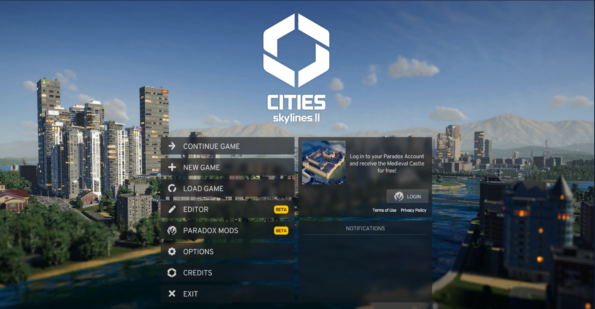
So, I thought I’d go through the mods I’ve been using; these are some of the best mods for Cities: Skylines 2 to add to your game and enhance your gameplay. It’s a pretty simple process to download mods from Paradox’s site. If you follow these steps, you can’t go wrong.
1. Visit the official Paradox Mods site by clicking on Paradox Mods on the menu once Cities: Skylines 2 loads on your computer.
2. Create a Paradox account or log in if you already have one.
3. Pick your desired mod and subscribe to it, following the instructions on the screen to get the mod into your game.
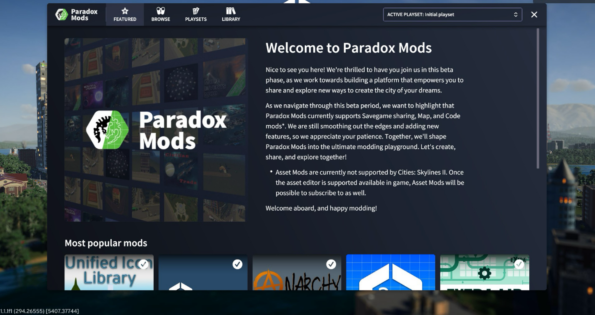
Make a Playset
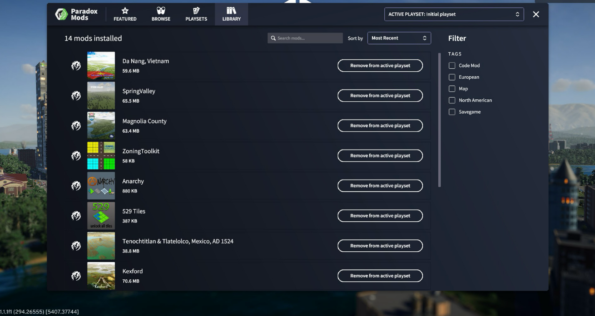
The mods interface lets you create and organise playsets, which are like music playlists only for mods in this case. Making a playlist makes it easy to switch between different mod experiences in your game. Furthermore, if you add a mod with dependencies to a playset, you’ll automatically be prompted to include all dependencies, which is great.
Move It by Quboid
The Move It mod caters to players like myself who want to create their dream city. As the name implies, this mod grants you the ability to reposition objects within the game precisely where you want them to be. You can move buildings, trees, props, decals, and roads, and you can even move other surfaces with the Move It mod.
Anarchy by Yenyang
Anarchy Mod is another great tool for anyone who wants to build their own perfect world. Anarchy lets you place props and trees anywhere you want in your city without the game restrictions. Once installed, you activate Anarchy with the keyboard shortcut “Ctrl+A” or with the optional tool icon that only appears on the screen while using the Anarchy mod tools.
Line Tool by Algernon
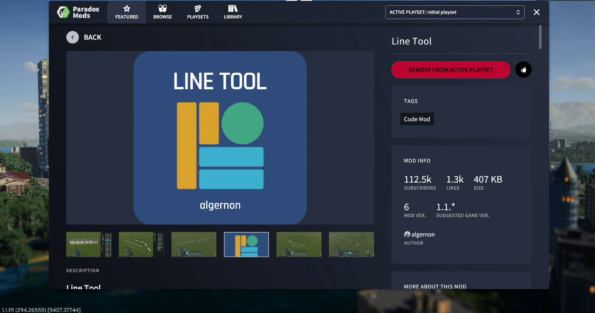
The Line Tool mod adds a simple feature to Cities: Skylines 2, which is one of the mods I use the most often. The Line tool allows you to drag out a line of trees, bushes, or even props that will be placed all at once in a line. Thankfully, the days are gone of having to manually place 100 trees individually in a nice line. Just use the Line Tool mod, and it’s all done in an instant.
529 Tiles by Algernon
The 529 Tiles mod allows you access to all 529 map tiles on a Cities: Skylines 2 map, giving you lots of space to build on. The mod has a choice of a few different settings. First off, you can unlock all 529 tiles right away, or you can give yourself a few extra tiles on the map without opening all the tiles, using this method you gain an extra 88 tiles to build on at the beginning of the game.
Next, there is the option to provide extra tiles at the final milestone, which allocates the additional 88 tiles unlocks to the final game milestone instead of the beginning of the game. All earlier milestone unlocks are unchanged, meaning that for each milestone your city reaches, you will get the normal milestone tile unlocks, too.
Plop the Growables by Algernon
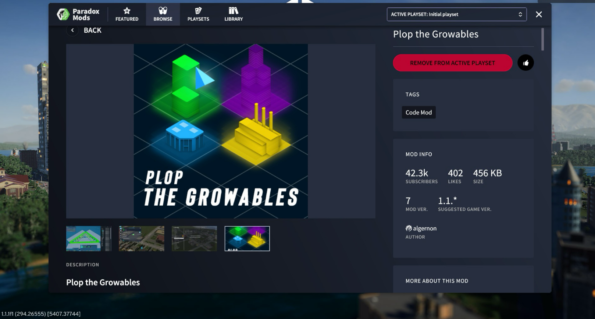
The Plop the Growables mod disables growable building zones and allows you to place growable buildings anywhere in your city. Using this mod, buildings won’t disappear or de-spawn if they are empty or condemned if the zoning below them is changed. It is a great mod to add to your collection.
Find It by TDW
Find It is another fantastic mod, and I’m happy to see it back again in the game. Find It allows you to search, filter, select, and place assets. It also provides some extra info that is usually not available in the vanilla game.
You can browse and search through all of the assets inside of the game. Use Ctrl+F to open the Find It panel quickly, or click on the magnifier icon in your toolbar. Use Ctrl+P to enable the Picker tool, or click on the picker icon in your toolbar to use it.
Extra Landscaping Tools by Triton Supreme
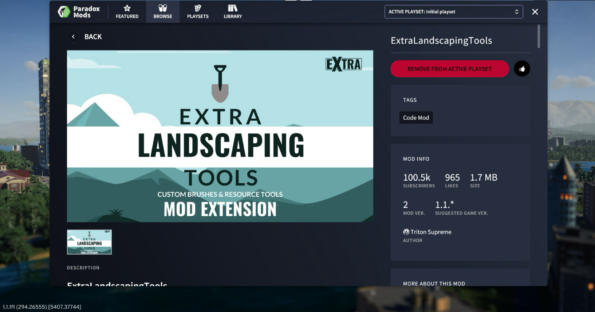
The Extra Landscaping Tools mod allows you to place natural resources in-game, and it provides a configurable tree brush and pencil, as well as terraform and water tools.
This mod also provides its own tree brush, which can be customised via the brush options toolbar. You can adjust the strength of the Tree density, allowing you to place more trees and or bushes at once and customise the brush size and shape. This is an invaluable mod for players who like to spruce up their city with many bushes and trees and add lakes to the map or extra resources.
Do you like our content? Support LadiesGamers on Patreon!
Check out our Tiers and Benefits and join us.